7 min read
Picrew Alternatives: 8 Avatar Makers Like Picrew, Tested
Picrew alternatives we tested: Meiker, Neka, CHARAT, Doll Divine, Azalea's Dolls and three makers on this site, compared on ads, phone use, save size and rules.
Read →A free avatar maker for cute characters: change the hair, face and outfit, then save a PNG for your profile. No sign-up.
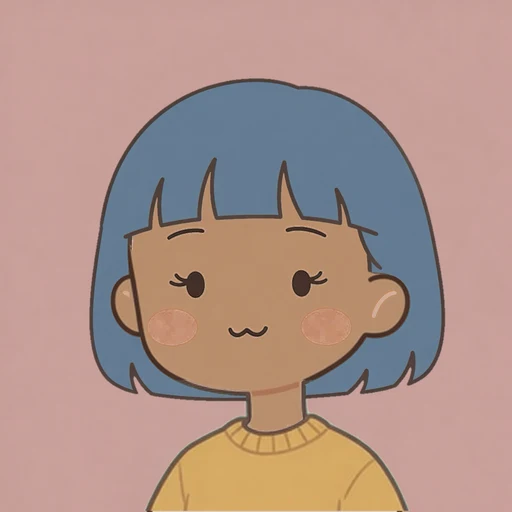
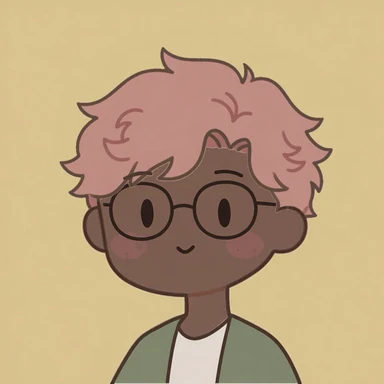
Made one?
Like what you see? Done turns it into a picture; save it and it lands in your photos or downloads as cute-avatar.png.
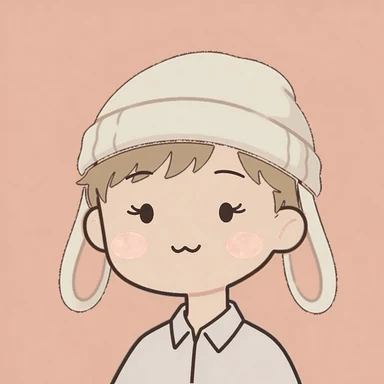
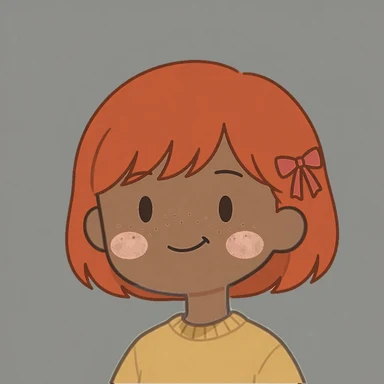
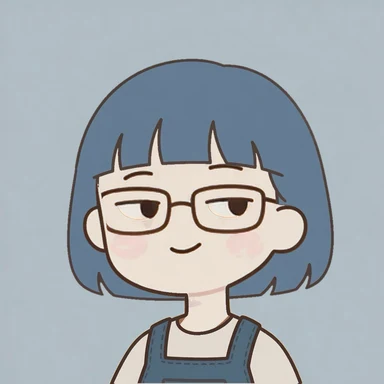
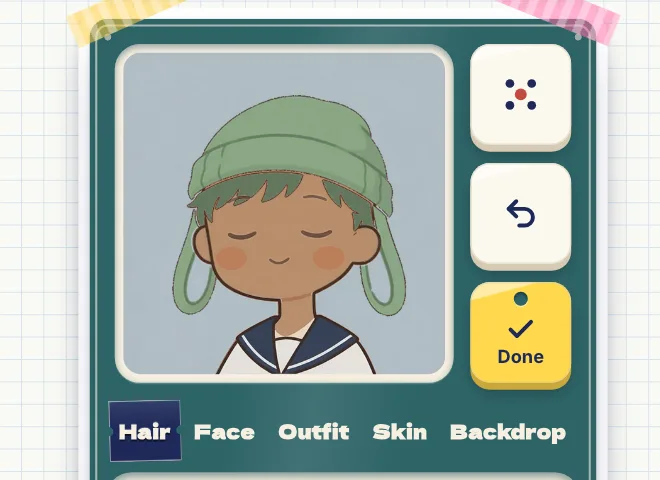
Each one started as a random face from the dice and took a few more taps. The hairstyle and the backdrop colour change the look the most; the face sets the mood.
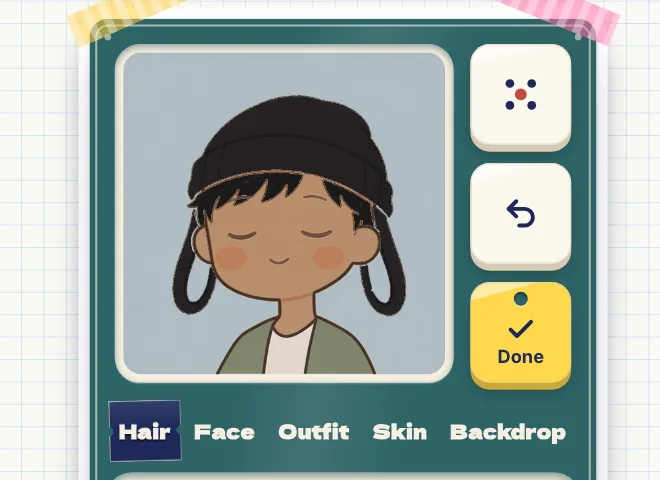
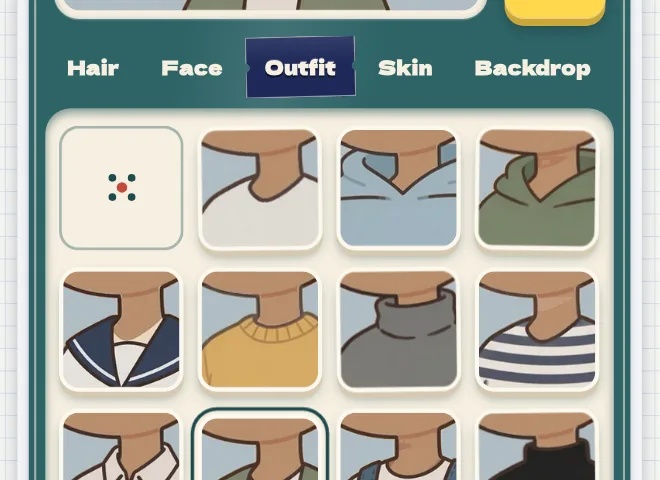
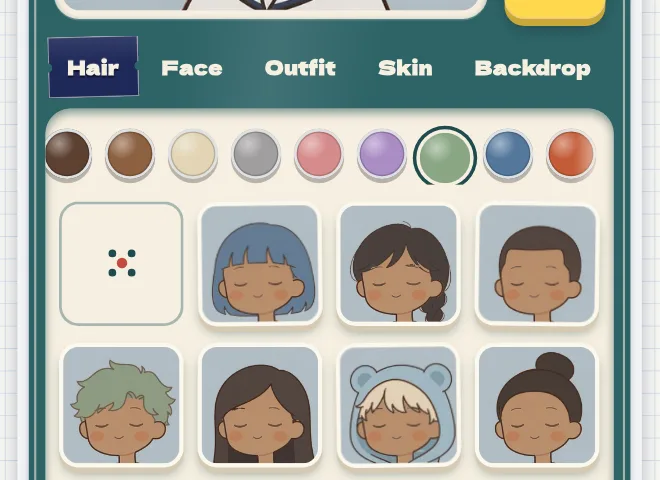
Every avatar is built from five tabs, plus a row of hair colours:


Want the original blocky square face instead, built one feature at a time? Use the Square Face Icon Generator.
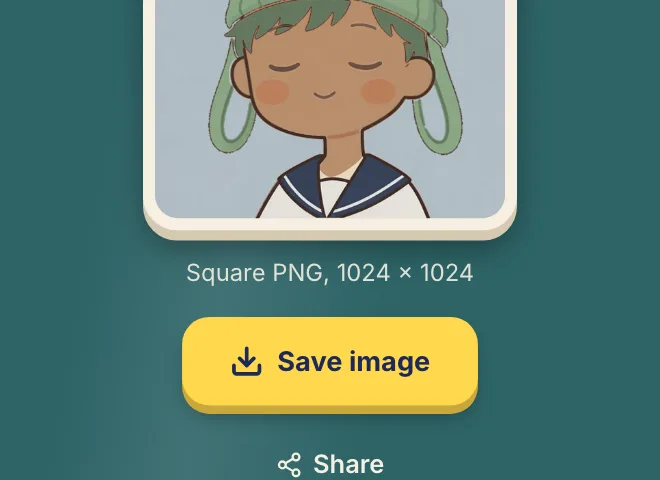
Tap Done and your avatar becomes a square PNG, 1024 × 1024 pixels. Where it goes next depends on your device:
iPhone and iPad
Save image opens the share sheet. Choose Save Image and the picture goes straight into Photos.
Android
Save image downloads cute-avatar.png. It shows up in your gallery app, usually in the Downloads album.
Instagram, Facebook or LINE
Downloads from their built-in browsers rarely reach your photos, so the maker shows the picture instead. Press and hold it, then save the image.
Computer
The PNG lands in your Downloads folder as cute-avatar.png.
Profile pictures
Discord, X, Instagram, TikTok, LINE and most other apps show a profile picture as a square or a circle. The character sits in the middle, so it still fits when an app crops it round.
Matching PFPs
Make one for each friend with the same backdrop or the same outfit, and your group chat looks like a set.
A card to send
Share turns your avatar into a card with a QR code back to this maker, ready to post or send in a chat.
Yes. It runs in your browser on a phone or a computer, with no account and no app to install, and the saved PNG has no watermark.
Yes, by hand. Pick the hairstyle closest to yours first, then your skin tone and hair colour. The Face tab has expressions with glasses and freckles. There is no photo upload, so every avatar keeps the same drawn style.
This kawaii avatar maker draws everything in one soft, rounded style: round faces, small features, flat colours and a thin dark-brown outline. Every part is drawn to match every other part, so any mix looks finished.
Pick a backdrop in the same colour family as the hair or the outfit, and the whole picture holds together. The cat-mouth smile and the closed-eye smile look the sweetest; buns and the bunny-ear knit hat are the cutest hairstyles.
The bear-ear hood and its hoodie are one piece. Pick another hairstyle and the outfits come back.
No. Each visit starts with a new random face, so save the PNG before you leave.
The home page has the original game, with its own blocky style and many small face parts picked one by one. This cute avatar creator swaps whole hairstyles, faces and outfits in one soft style, and it is made for touch screens.
Picrew alternatives we tested: Meiker, Neka, CHARAT, Doll Divine, Azalea's Dolls and three makers on this site, compared on ads, phone use, save size and rules.
Read →What makes a good pfp: it reads at icon size, survives a circle crop, has one focal point and strong contrast. Five checks, shown with real avatars.
Read →Roll a random face, change the hair and outfit, and save the PNG for your profile.
Start CreatingSquare Face Icon Generator for the original blocky game, with eyes, nose and mouth picked one by one.
Square PFP Maker when you need a square profile picture, with a crop check before you upload.
Chibi Character Maker for a full-body character with clothes and animal ears.
Square Face Pixel Art Icon Generator for a square face in pixel style.