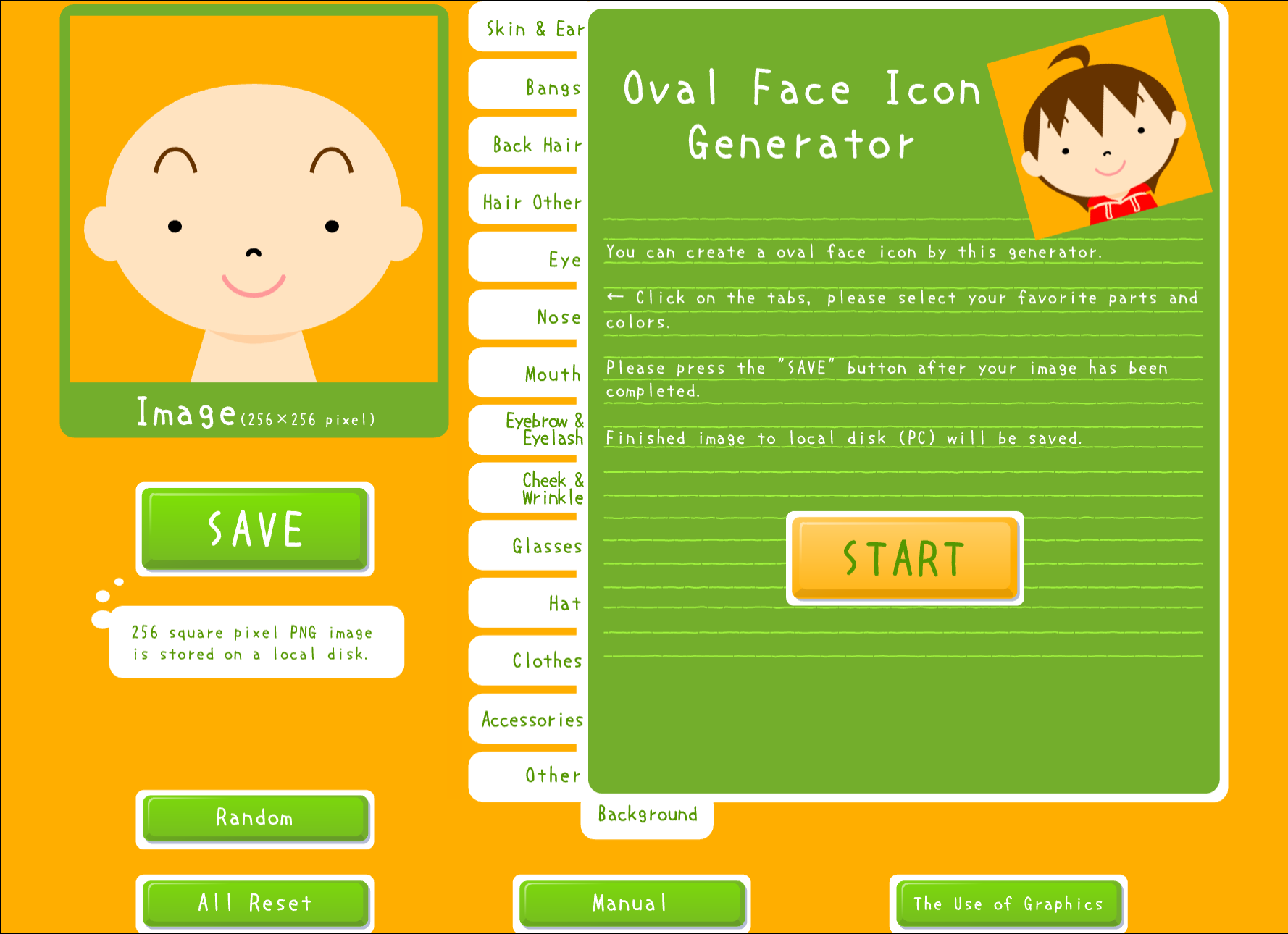
Oval Face Generator

Design friendly cartoon avatars with soft, oval-shaped features. Free to use, no signup needed — just click and create your perfect profile picture.

Click START to begin inside the game

CLICK TO START

Free Oval Face Generator — Create Friendly Avatars Online

Want a profile picture that feels warm and approachable? The oval face generator lets you design a personalized cartoon avatar in minutes — no account, no download, just click START and go. Whether you need a Discord pfp, a GitHub avatar, or a Twitter profile picture, you can download your creation instantly as a transparent PNG.

This oval face generator is a preserved Flash classic from the Flashpoint archive, now running smoothly in modern browsers through Ruffle technology. It works exactly the same as the original, so you get that nostalgic Flash museum charm without needing a plugin. Think of it as a free, browser-based picrew alternative with a distinctly oval-face style.

The oval face icon's rounded, elliptical shape tends to read as friendlier and more trustworthy than angular designs — a small detail that can make a real difference on professional platforms like LinkedIn or Slack, where a welcoming avatar helps you make a good first impression.

  • Create an oval face avatar with fully customizable features — eyes, hair, skin tone, accessories
  • Works on desktop and mobile browsers, no login or signup required
  • Download as transparent PNG instantly — no watermarks, completely free
  • Runs via Ruffle: the original Flash experience, preserved for modern browsers
  • Perfect for Discord, Twitter, GitHub, LinkedIn, and other profile pictures
  • Unlimited creations — make as many oval face icons as you need

Why Choose Our Oval Face Generator?

Completely Free, No Registration

The oval face generator lets you create and download avatars with no account, no payment, no watermarks — ever

Friendly Oval Face Design

Soft, rounded oval features that project warmth and approachability across any platform

Discord and Social-Media Ready

Exports transparent PNG at the right size for Discord pfp, Twitter, and more — the oval face generator handles sizing automatically

Instant PNG Download

No waiting, no email — your oval face icon is ready to download the moment you finish

Works on Mobile

Open in any mobile browser and create your oval avatar on a phone or tablet

Preserved Flash Classic

Original Flashpoint-era tool running via Ruffle — the Flash museum experience, browser-native

Where People Use Oval Face Avatars

Discord Profile Picture

A friendly oval face avatar helps you stand out in Discord servers without looking aggressive or unapproachable. The rounded features work well at small sizes, and the transparent PNG format drops right into Discord's avatar uploader.

Twitter / X and Social Media

Stand out on Twitter/X, Instagram, TikTok, and Facebook with a custom oval avatar that reflects your personality. Cartoon-style profile pictures are eye-catching in timelines and comment sections where photo avatars blend together.

Professional Profiles (LinkedIn, Slack)

Oval face icons read as warm and trustworthy — qualities that matter on LinkedIn and Slack. If you prefer not to use a real photo, a well-designed oval avatar is a professional, personality-forward alternative.

Gaming & Forum Identities

Express yourself on Reddit, gaming forums, and niche communities. A distinct oval face icon gives you an instantly recognizable identity that follows you across platforms.

Streaming & Content Creation

Streamers on Twitch and YouTubers benefit from consistent visual branding. Your oval avatar can appear as a channel icon, overlay element, or social media pfp — a single design that ties everything together.

Kids & Family-Friendly Accounts

The oval face generator produces cartoon avatars that are cheerful and age-appropriate. Great for children's accounts or any context where a safe, friendly visual identity is a priority.

How to Use the Oval Face Generator

  1. Launch the Oval Face Generator

    Click the START button to open the editor in your browser

  2. Choose Your Base Style

    Set the foundation for your oval avatar — face shape, skin tone, and starting look

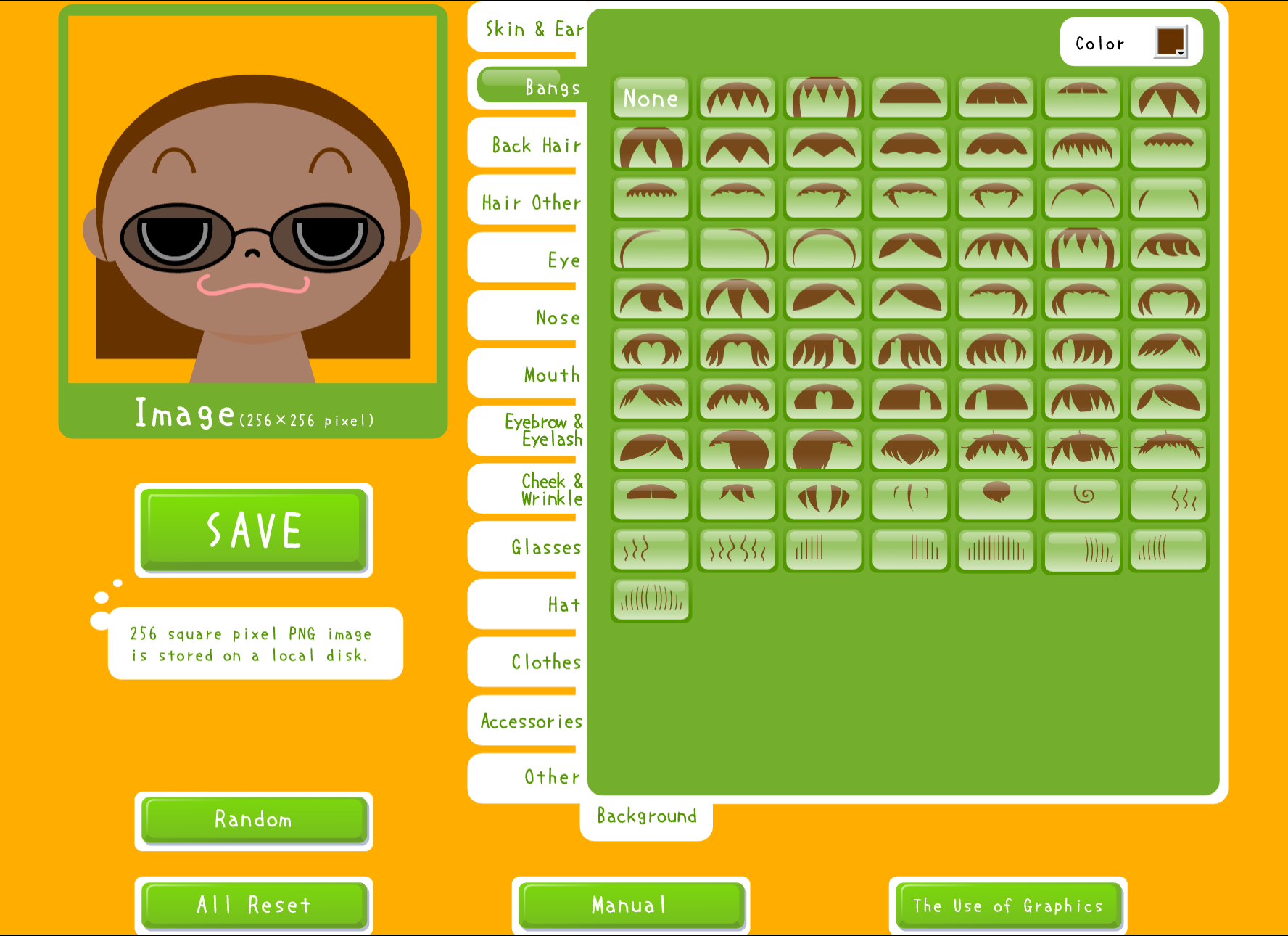
  3. Customize Every Feature

    Fine-tune your oval face icon until it looks just right

  4. Preview Your Round Face Avatar

    Check how your oval face icon looks before downloading

  5. Download Your PNG

    Save your finished oval face avatar as a transparent PNG

FAQ

Q1. What is an oval face avatar?

An oval face avatar is a cartoon-style profile picture built around a soft, elliptical face shape. Unlike square or angular designs, the oval face icon tends to look friendlier and more approachable, which is why it's popular for social media, Discord servers, and professional profiles alike.

Q2. How do I create an oval face avatar for free?

Click START on this page to launch the oval face generator. Customize your avatar — adjust skin tone, eyes, hair, accessories, and more — then download the result as a PNG. No account or signup is required at any step.

Q3. Is this oval face generator really free?

Yes, completely free. There are no hidden costs, no premium tiers, no watermarks. You can create as many oval face avatars as you like and download them all at no charge.

Q4. Can I use my oval avatar on Discord?

Absolutely. The PNG export works seamlessly with Discord's avatar uploader. The rounded oval face design also tends to look good at Discord's smaller display sizes, where angular details can get lost.

Q5. How is this tool different from Picrew or AI avatar generators?

Unlike Picrew (which uses artist-submitted templates) or AI generators (which interpret text prompts), this oval face generator is an interactive editor where you control every feature directly. You pick eyes, hair, colors, and accessories yourself — the result is exactly what you designed, not an AI interpretation.

Q6. Why does this tool use Flash / Ruffle?

This is a preserved Flash classic from the Flashpoint archive. Adobe Flash was discontinued in 2020, but Ruffle — an open-source Flash emulator — lets the original oval face generator run in any modern browser without plugins. The tool is part of the broader flash museum preservation effort.

Q7. Does it work on mobile?

Yes. The oval face generator runs via Ruffle in mobile browsers. Open the page on your phone or tablet and tap START — no app download needed.

Q8. What size is the downloaded avatar?

The oval face generator exports PNGs at a resolution suitable for social media profile pictures and Discord avatars. The transparent background means it works on any platform background color without a white box around it.

Q9. Can I use my oval face icon commercially?

Yes. Avatars you create here are yours to use however you like — personal profiles, streaming channels, business accounts, or commercial projects.

Q10. The generator is not working — what should I do?

First, try refreshing the page. If the oval face generator still doesn't load, make sure your browser is up to date (Ruffle requires a recent browser). Disabling ad blockers or script-blocking extensions can also help, as they sometimes interfere with the Ruffle loader.

Related Articles

View All Articles →

Create Your Free Oval Face Icon Now

Start designing your perfect oval face avatar — it's free and takes less than a minute.

Start Creating

More Icon Generators