2 min read
Retro 8-bit Square Face Icon Guide
Build a square pixel face, compare its 48px and 96px saves, and preserve crisp block edges.
Read →Create a square-face close-up pixel avatar with the editor controls, then review the 48px and 96px results before saving.
This tool keeps the square-face close-up task and shows two pixel previews: 48px and 96px. Choose the visible face, hair, accessory, clothing and color options, then review the result before using SAVE.
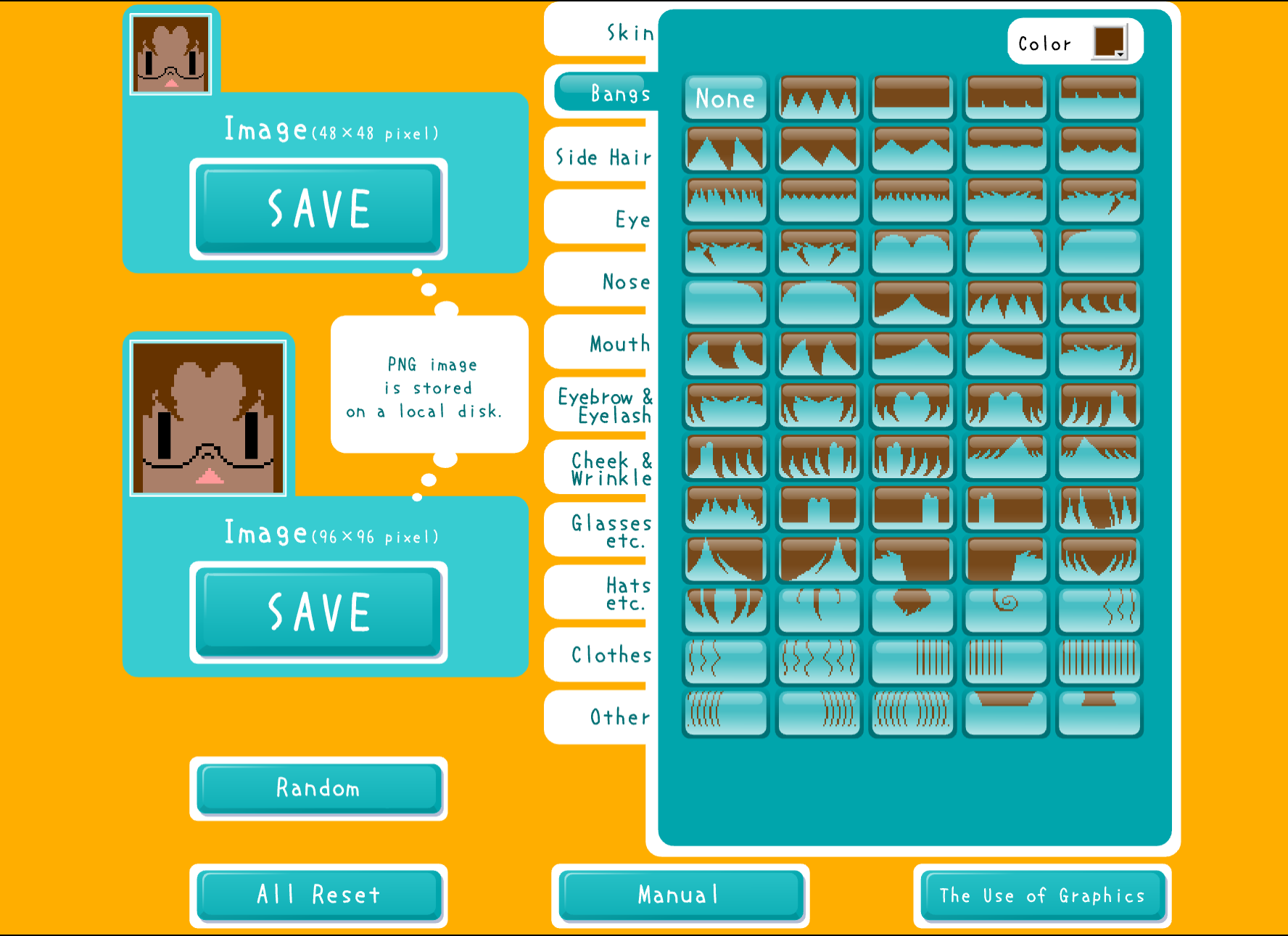
The editor images below show the available controls and a customized result. Ruffle opens the classic SWF in your browser.
Choose this page for a small square-face pixel result, or use the main Square Face tool for its 256px classic output.
These existing first-party editor captures show the visible size labels, customization controls and a customized result.
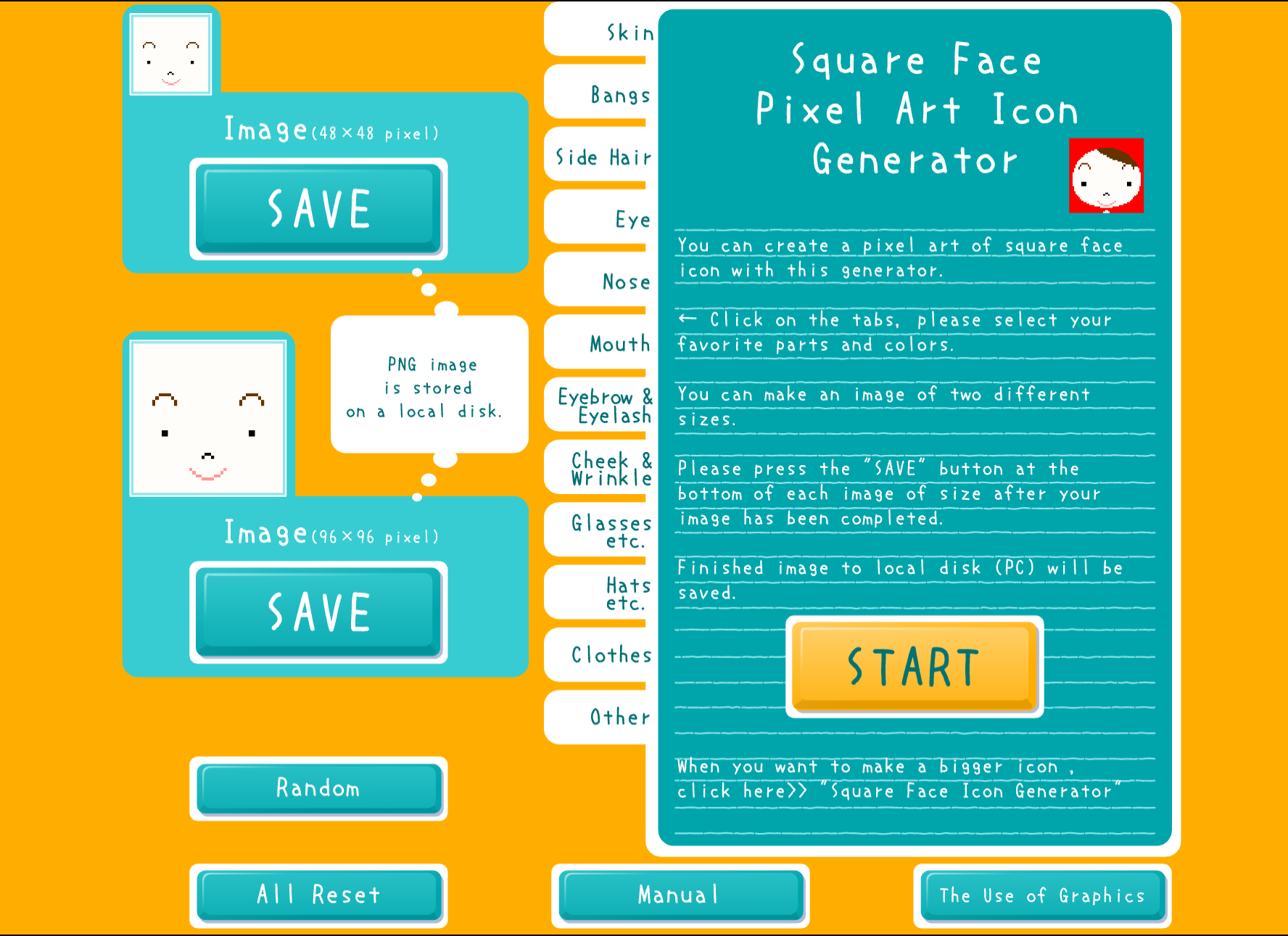
The tool visibly labels a 48px pixel result.
The tool visibly labels a 96px pixel result.
Choose from the face and hair options displayed by the editor.
The editor shows accessory and clothing choices alongside the face controls.
Review the result, then use the tool's SAVE control.
Compare the 48px and 96px previews when preparing a small square profile image.
Keep a close-up pixel result as a simple avatar draft for a personal project.
Review both preview sizes to see how the face reads at different pixel dimensions.
Consider the square pixel format for a gaming or community profile after checking its image requirements.
Click START to load the Square Face Pixel Art editor.
Select face, hair, accessory, clothing and color choices.
Check how the result reads at 48px and 96px.
Use SAVE after reviewing the pixel previews.
It is a square-face close-up tool that shows pixel previews at 48px and 96px.
The editor visibly labels 48px and 96px pixel results.
The editor includes face, hair, accessory, clothing and color choices.
This page focuses on the small 48px and 96px pixel previews. The main Square Face page documents a 256px classic output.
Click START, choose the visible options, review the 48px and 96px previews, then use SAVE in the editor.
The page uses Ruffle to open the classic SWF in your browser. Click START to load the editor.
Build a square pixel face, compare its 48px and 96px saves, and preserve crisp block edges.
Read →Open the editor, compare the 48px and 96px previews and save the version you prefer.
Start Creating