2 min read
Pixel Cat Avatar Guide: Build a Clear 48px Cat Icon
Make a 48px pixel cat avatar with readable ears, eyes, coat pattern, tail, and background contrast.
Read →Create a 48px pixel cat and adjust its body, ears, eyes, pattern, tail and background in the editor.
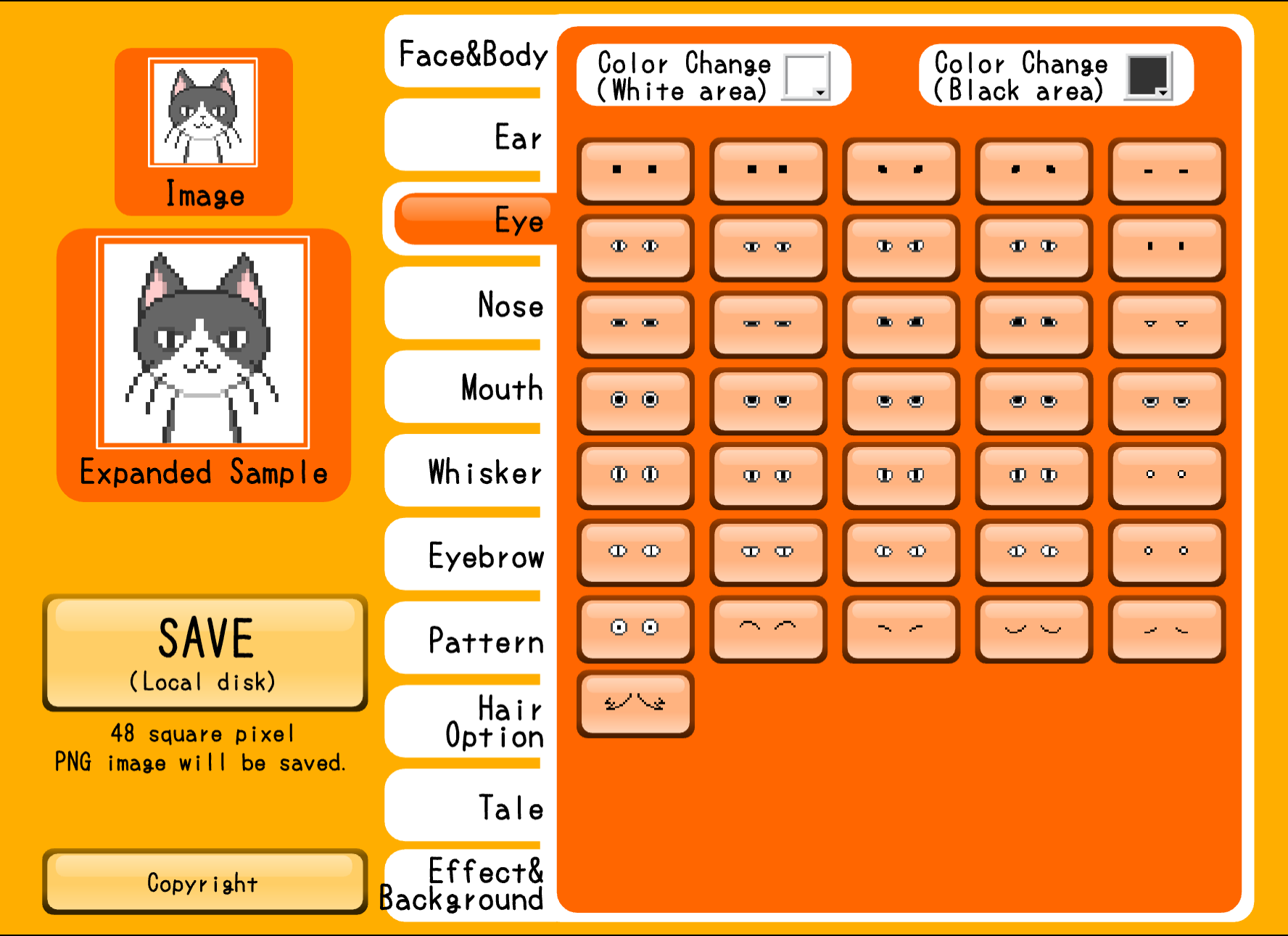
This editor creates a compact 48px cat character. The preview and controls keep the cat's body, ears, eyes, pattern, tail and background in the same workflow.
Choose a visible feature tab, adjust the option, and press Save when the cat is ready. The runtime editor shows the PNG save message.
The real editor preview is labeled as a 48px image.
Adjust the cat's body, ears, eyes, nose, mouth and whiskers.
Use the visible pattern, hair option and tail controls to shape the character.
Finish with the effect/background controls, then use Save in the editor.
Start with the body and ears so the silhouette reads clearly at 48px.
Adjust eyes, mouth, whiskers and pattern details without leaving the editor.
Choose the visible background options, review the 48px preview and save the PNG.
Click START to load the Cat Pixel editor through Ruffle.
Use the body and ear controls to establish the 48px cat silhouette.
Choose eyes, nose, mouth, whiskers, pattern, tail and background options.
Press Save and follow the editor's local PNG save message.
The real editor preview is labeled as a 48px image.
The visible tabs cover the body, ears, eyes, nose, mouth, whiskers, eyebrows, pattern, hair option, tail and effect/background.
After adjusting the cat, press Save. The editor displays a PNG local-save message.
The page waits for your click before loading the Ruffle player and the cat editor.
This page is focused on a 48px cat and cat-specific controls. The Full-body Pixel editor instead offers 48px and 96px full-body character output.
Make a 48px pixel cat avatar with readable ears, eyes, coat pattern, tail, and background contrast.
Read →Adjust the cat's body, features, pattern, tail and background, then save the result.
Start the editor