A good avatar has one job: remain easy to recognize after a large editor preview becomes a small profile picture. Start with a strong outline, one memorable feature, and enough empty space for a circular crop.
Five checks that matter
- Choose the silhouette first. Hair, a hat, or glasses should make the outer shape distinct.
- Keep one focal feature. If the eyes are the focus, avoid making every accessory equally loud.
- Separate subject and background. Light on dark or dark on light is easier to read than similar midtones.
- Leave room around the face. Platforms often show a square upload through a circular mask.
- Test the saved file. The editor view is not the final profile crop.
These checks are more useful than adding detail. Thin marks that look attractive at 256px can disappear at 32px.
Build one in the Classic Square tool
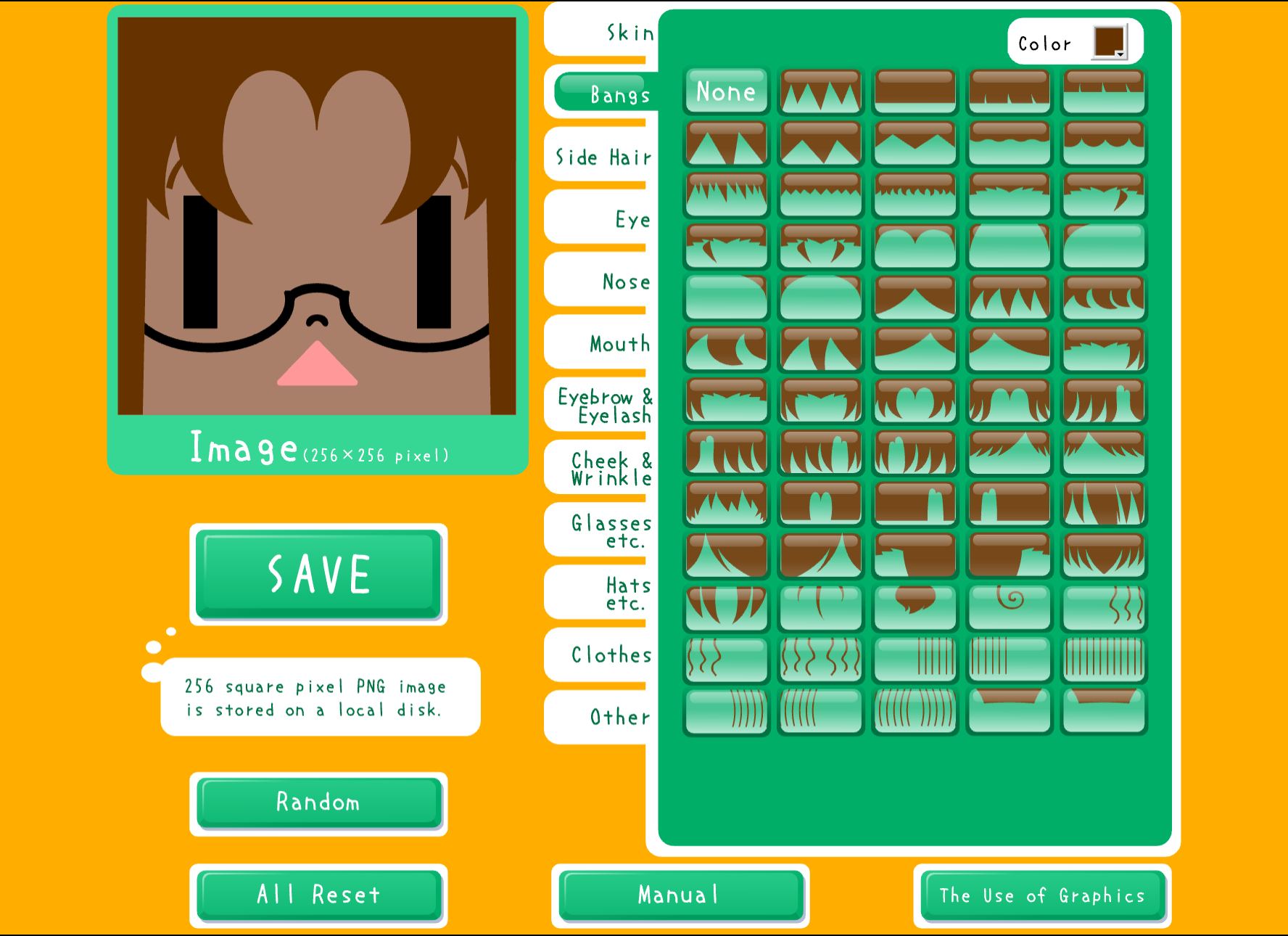
Open Square Face Icon Generator. Press START, then work from large choices to small ones:
- Pick the face and hair shape.
- Set the background and the largest color areas.
- Choose eyes and a mouth that remain distinct at a glance.
- Add one accessory only if it strengthens the silhouette.
- Press SAVE and keep the original PNG.
The Classic Square generator runs through Ruffle. If it does not start in your current browser, use the HTML5 Square Face Editor instead.
Check the circle crop
Keep important features inside the central area. Corners are the first part hidden by a circle mask, so avoid placing the only memorable detail there. Upload the saved file to the actual service and inspect the crop screen before confirming it.
Make one change at a time
If the avatar is hard to read, change the biggest problem first: silhouette, contrast, or spacing. Saving two versions and comparing them at the same small size gives a clearer answer than changing several controls at once.
Final checklist
- One feature stands out first.
- The face and background do not merge.
- Hair and accessories fit inside a circle crop.
- The saved PNG opens correctly.
- The avatar remains recognizable in the profile where it will be used.
Start with the Classic Square generator, save one version, and judge the real file rather than the large preview.