The useful difference is not simply pixel versus smooth art. These two generators allocate space differently: Full-body Pixel shows pose and clothing at 48px or 96px, while Classic Square puts a face-first portrait in a 256px image.
Compare the actual editors
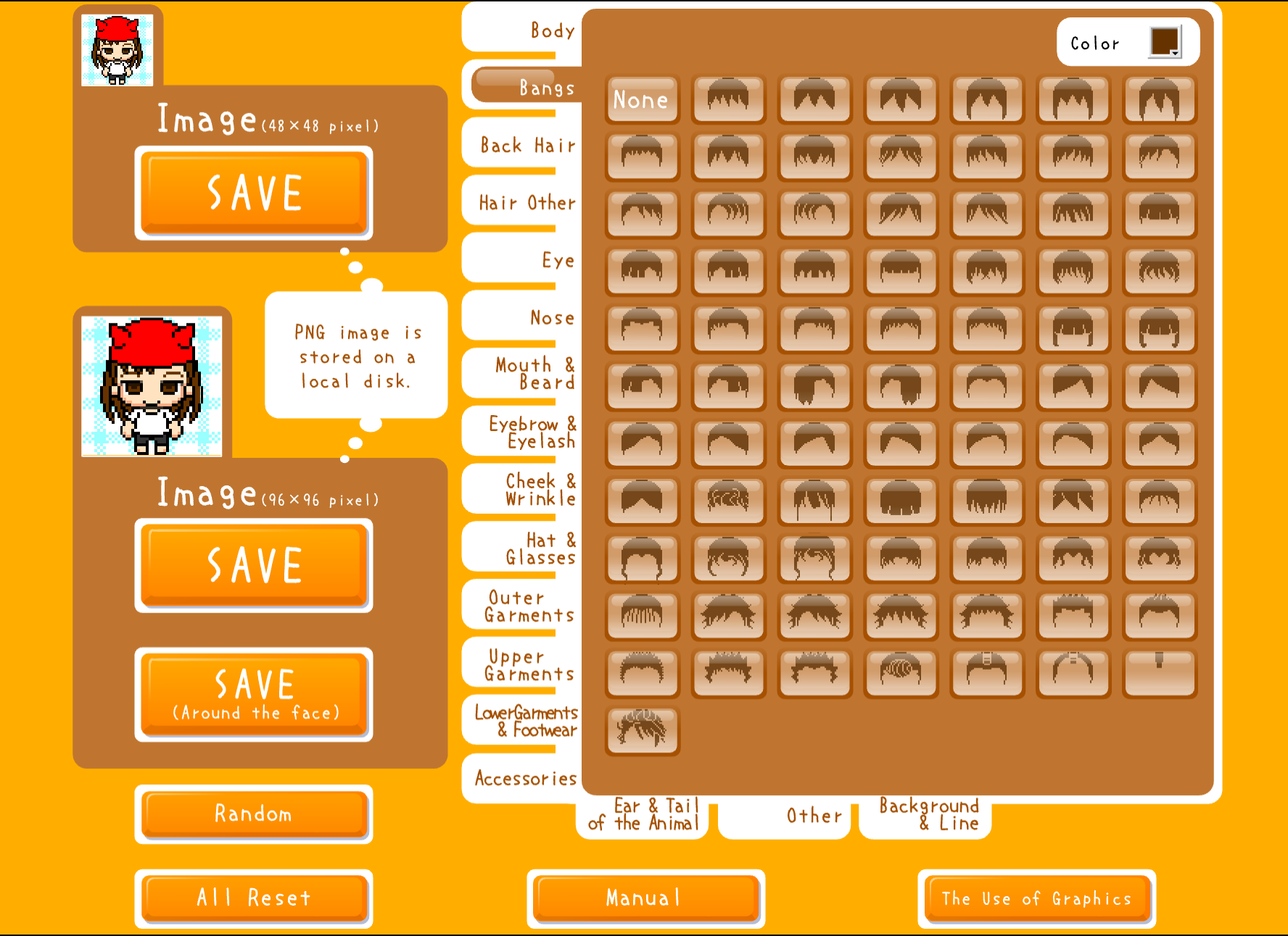
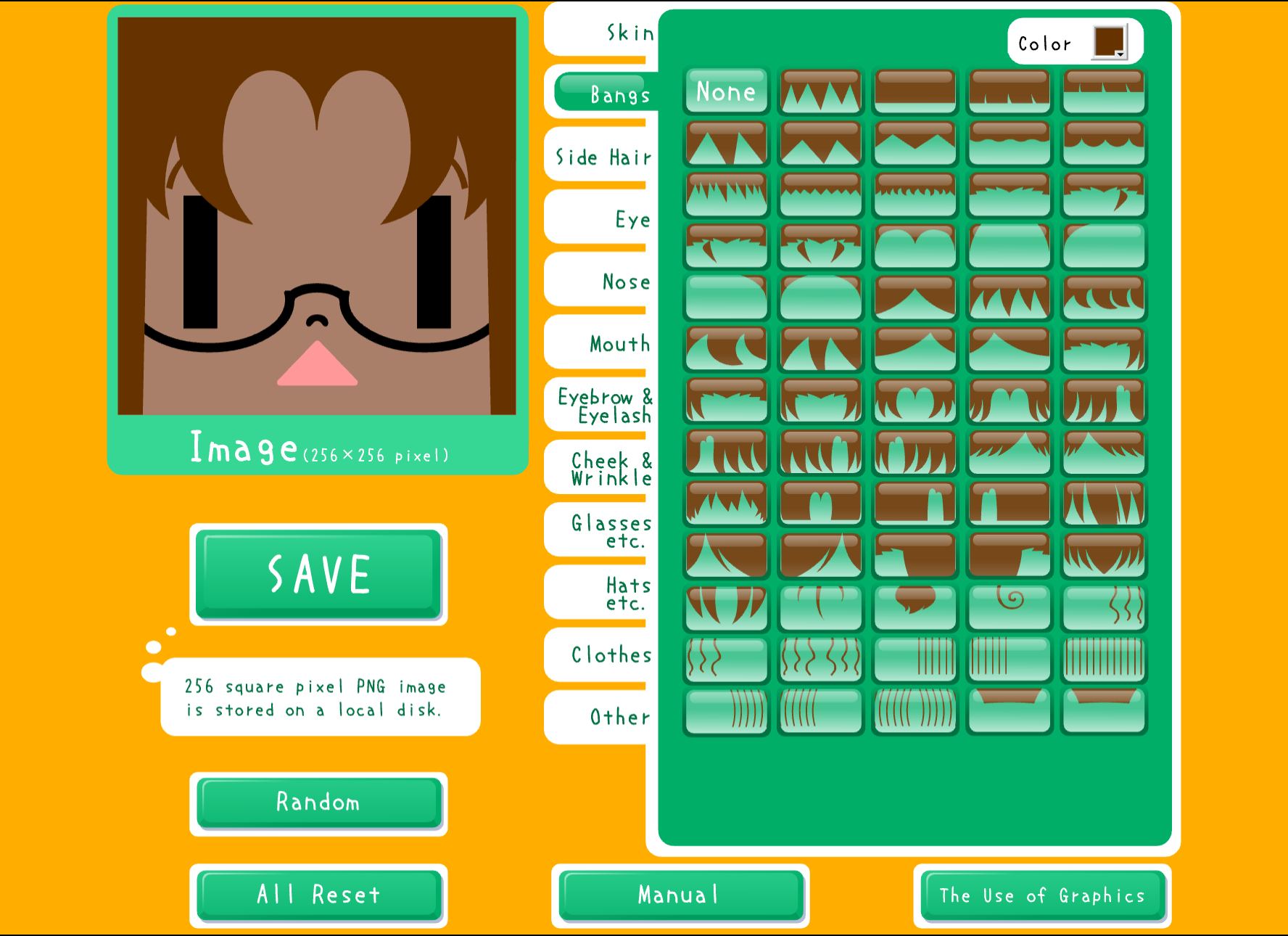
Choose Full-body Pixel for pose
Use Full-body Pixel when the outfit, body shape, or stance is the identity. The compact native design rewards simple clothing blocks and a background that separates from the arms and legs.
Its 48px and 96px saves use the same blocky visual language. Check the 48px file first, then use the larger save where the upload form benefits from it.
Choose Classic Square for the face
Use Classic Square when hair, eyes, glasses, or expression should lead. The 256px portrait provides more space for facial choices, but you still need to inspect the small profile crop.
Classic Square runs through Ruffle. The HTML5 Square Face Editor is the alternative if the Classic tool does not start in your browser.
A quick decision rule
| If people should notice... | Start with... | | --- | --- | | Pose or outfit | Full-body Pixel | | Face or hair | Classic Square | | Crisp block edges | Full-body Pixel | | More facial choices | Classic Square |
Build one draft in the tool that matches the main job. Upload the saved file to the actual destination and inspect its smallest crop before refining it.